


Esports Travel Data: Low Ping for Competitors
Esports travel data plays a key role in keeping competitive players connected during international tournaments and gaming events. This guide covers low ping, latency, jitter, packet loss, travel eSIMs, and reliable mobile connectivity. Learn how travelling esports players can prepare their data connection, reduce network issues, choose the right connectivity option, and stay connected across different destinations without relying entirely on hotel or public Wi-Fi.


 11 min read
 Share
Share
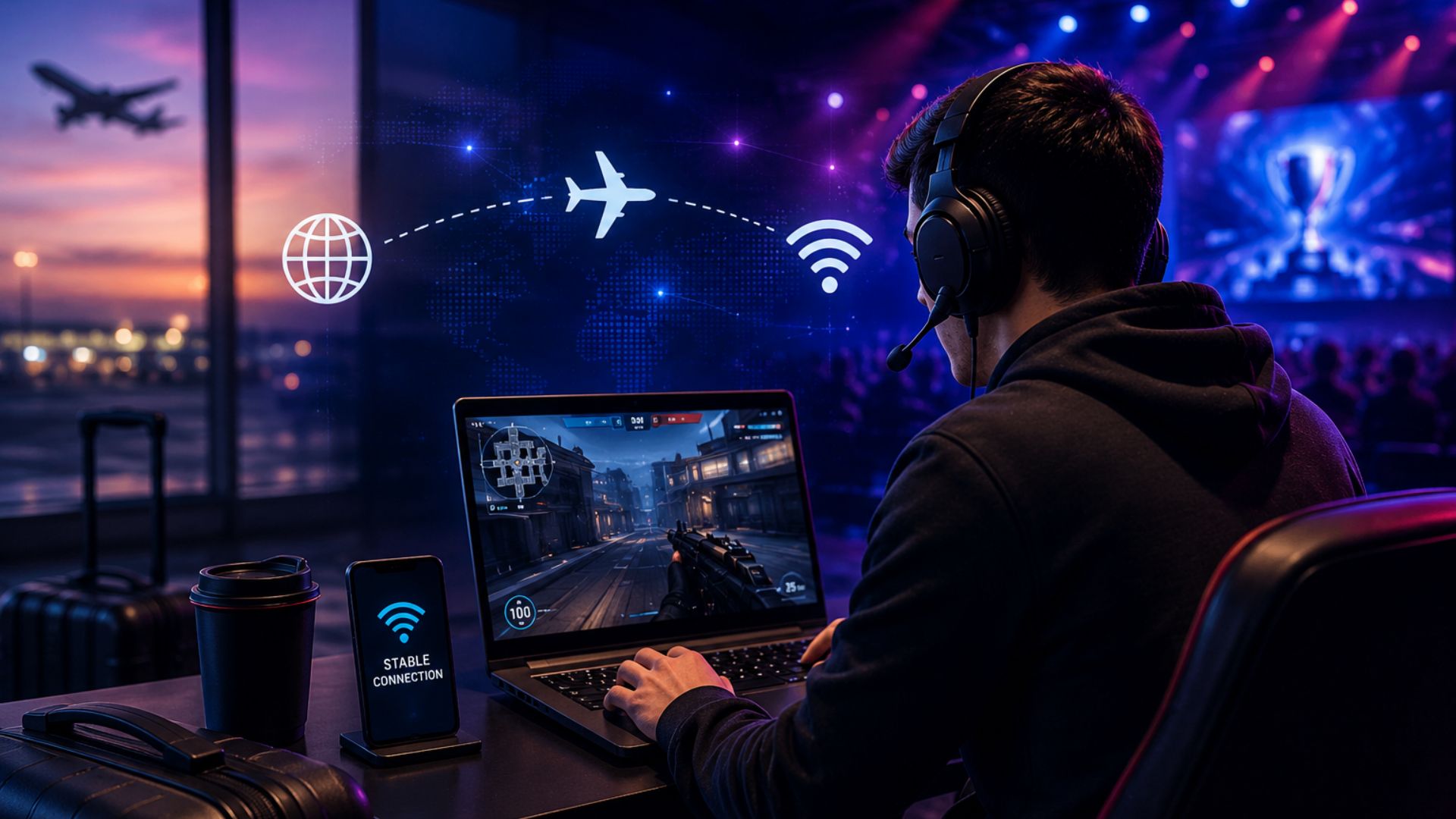
International esports competition means more than packing a gaming laptop, headset, mouse and keyboard. Players and teams also need a reliable connection that can handle training sessions, team communication, live updates and online matches while they are away from home. Esports travel data gives competitive gamers mobile connectivity when they move between tournaments, boot camps, qualifiers and international events.
For casual travellers, hotel Wi-Fi may be enough for messaging and browsing. For esports competitors, it can be a major risk. Unstable Wi-Fi, network congestion, high latency, and poor routing can affect gameplay at the worst possible moment. In 2026, when esports events continue to attract players from around the world, having a reliable travel connectivity plan can be part of tournament preparation.

Keep Every Player Connected, Everywhere
Reliable global eSIM connectivity for travelling esports teams.
What Is Esports Travel Data?
Esports travel data refers to mobile data connectivity used by competitive gamers and esports teams while travelling for tournaments, boot camps, qualifiers or gaming events.
The connection can be provided through a travel eSIM, local SIM, mobile hotspot or another mobile data solution. The goal is simple: give players dependable internet access without relying entirely on public or hotel Wi-Fi.
For esports competitors, the amount of data is only one part of the equation. Network quality matters just as much.
A useful esports travel connection should provide:
- Low and stable latency
- Reliable network coverage
- Minimal packet loss
- Low jitter
- Consistent performance during peak hours
- Enough data for gaming and team communication
- Easy activation across different destinations
- A backup option if the main connection fails
This makes esports travel data different from a standard travel data plan. A tourist may care most about maps, social media and video streaming. A competitor needs a connection that supports fast and consistent communication with game servers.
Why Low Ping Matters in Competitive Gaming?
Ping, also called latency, measures the time it takes for data to travel between a device and a server and return. It is normally measured in milliseconds (ms).
Lower ping generally means a more responsive connection.
For competitive games, even a small delay can affect how quickly an action reaches the server. This can matter in games where players must react quickly to an opponent, land an ability, aim accurately or make a split-second decision.
Current gaming guidance commonly treats sub-20 ms as excellent for competitive play, while 20–50 ms is generally considered a strong range for online gaming. Once latency rises above 100 ms, delays become much easier to notice in fast-paced games.
However, ping should not be viewed in isolation.
A player can have a 30 ms connection that feels worse than a stable 45 ms connection if the first connection has frequent spikes, jitter or packet loss.
Ping vs. jitter vs. packet loss
These three network conditions can affect competitive play:
Ping: The round-trip delay between the player and game server.
Jitter: Changes in latency over time. A connection that moves from 25 ms to 90 ms and back can feel less stable than one that stays close to 40 ms.
Packet loss: Data packets fail to reach their destination. This can lead to missing actions, rubber-banding or sudden interruptions.
For travelling esports players, the target should not simply be “the lowest ping possible.” The better goal is stable, predictable latency with minimal packet loss.
Why Travel Can Increase Gaming Ping?
Travelling changes the network path between a player and the game server.
Imagine a competitor normally playing from New York and connecting to a nearby North American game server. The route may be relatively short.
Now that same player travels to Europe for a tournament.
The physical distance to the original server increases. The mobile network may also route traffic through a different gateway. As a result, the player can experience higher latency even when the phone shows a strong 5G signal.
This is one of the most important points for esports travel data:
A strong mobile signal does not automatically mean low gaming latency.
5G can provide excellent speeds, but speed and latency are different network characteristics. A connection can have high download speeds and still deliver poor ping to a particular game server.
Travel eSIM routing can also influence performance. Some travel eSIMs may route traffic through a gateway in another country or region rather than providing a local breakout. That extra network distance can increase latency.
For a competitive player, checking the actual route and testing the connection before a match is therefore more useful than looking only at the advertised download speed.
How Much Data Does an Esports Player Need While Travelling?
Online gaming itself may not always consume huge amounts of data compared with 4K video streaming. However, an esports trip involves much more than playing matches.
A player’s mobile connection may also support:
- Game updates
- Discord or other voice communication
- Team messaging
- Match schedules
- Streaming and video calls
- Cloud storage
- Social media
- Tournament applications
- Navigation
- Remote work or study
- Emergency hotspot use
Large game updates are especially important to consider.
A player may use relatively little data during an individual match but suddenly need several gigabytes when a game update is released. Teams should therefore avoid choosing a travel plan based only on expected match consumption.
For individual competitors, a fixed data allowance can work well when usage is predictable. Teams travelling together may benefit from a shared or centrally managed data pool that allows usage to be monitored and adjusted.
Why Hotel Wi-Fi Is Not Enough for Esports Competitors?
Hotel Wi-Fi can be useful as a secondary connection, but it should not always be treated as the primary option for competitive gaming.
There are several reasons.
1. Shared bandwidth
Many guests may use the same network. During busy periods, congestion can affect performance.
2. Unknown routing
You may not know how the hotel’s internet provider routes traffic to your game server.
3. Network restrictions
Some hotel networks use firewalls, login pages or traffic controls that can interfere with certain applications.
4. Inconsistent performance
Network overall performance can vary with the help of time of day, with better evening usage occasionally affecting connection speed and balance.
5. Limited control
Players usually cannot control the hotel’s router settings, bandwidth allocation or network configuration.
A dedicated mobile data connection gives the player another option.
The best approach is not necessarily to abandon hotel Wi-Fi. Instead, use multiple connectivity options and test them before competition.
Stay Connected Between Tournaments
Flexible eSIM data for players on the move.
eSIM vs. Local SIM for Esports Travel
For international esports travel, both eSIMs and physical SIM cards can provide mobile data. The main difference is convenience and deployment.
Physical SIM
A local SIM can provide access to a local mobile network, but it may require:
- Finding a local retailer
- Purchasing the SIM after arrival
- Completing registration requirements
- Swapping physical cards
- Keeping track of multiple SIMs
- Configuring devices manually
This can become inconvenient when a team visits several countries during a tournament season.
Travel eSIM
An eSIM can be installed digitally on a compatible device before travelling. This means a player can prepare connectivity before leaving home.
For teams, eSIM management can also make it easier to deploy and control connections without physically changing SIM cards.
For an esports organisation travelling across multiple countries, this can reduce the operational work involved in keeping players connected.
What Should Teams Look for in Esports Travel Data?
Choosing a travel data plan for competitive gaming requires more than comparing gigabytes.
1. Network coverage
Check whether the provider supports the destination and which local networks are available.
2. Latency
Test ping to the actual game server or server region used during competition.
3. Routing
Ask where traffic exits the mobile network. A nearby mobile network does not always mean a nearby data gateway.
4. Network stability
Look for consistent performance rather than a single impressive speed-test result.
5. Data allowance
Estimate total usage for gaming, communication, updates and backup connectivity.
6. Hotspot support
Hotspot capability can be useful when a laptop or secondary device needs connectivity.
7. Easy activation
Players should be able to activate the connection without spending valuable tournament time troubleshooting a SIM.
8. Central management
For esports organisations, a central dashboard can make it easier to manage multiple players and devices.
How to Reduce Ping When Gaming While Travelling?
Travel cannot always produce the same latency as playing from home. However, players can reduce unnecessary network problems with a few practical steps.
- Choose the nearest game server
If the game allows server selection, choose the region that is physically and logically closest to your current location.
- Test before the tournament
Do not wait until match day to test the connection.
Test the network at different points throughout the day to identify any changes in speed, stability, or reliability.
- Use a stable connection
If possible, connect the gaming device directly to the most reliable available network rather than depending on a weak Wi-Fi signal.
- Reduce background traffic
Pause large downloads, cloud backups and operating system updates during competitive sessions.
- Keep a backup connection
A second mobile connection can be valuable if the primary network suddenly becomes unstable.
- Monitor more than download speed
A 300 Mbps connection is not automatically better for gaming than a 50 Mbps connection. For competitive play, latency, jitter and packet loss often matter more than raw download speed.
- Check the connection after arrival
A travel eSIM that performs well in one location may perform differently in another. Test the actual connection from the hotel, venue or boot camp.
How Voye Data Pool Can Support Travelling Esports Teams?
Voye Data Pool provides centrally managed eSIM connectivity designed for organisations with teams and devices operating across multiple locations.
The platform supports connectivity across 130+ countries, with features such as central management, usage monitoring, remote provisioning and multi-user administration.
For an esports organisation, this type of setup can help simplify connectivity management when players, coaches and staff travel internationally.
Instead of treating every player’s mobile connection as a separate task, a team can manage connectivity through a central system.
Potential use cases include:
- Player mobile connectivity
- Team communication
- Tournament travel
- Boot camp connectivity
- Coach and analyst access
- Hotspot connectivity
- Backup internet
- International team operations
The important point is that Voye Data Pool is a connectivity management solution, not a guarantee of a specific ping. Actual latency depends on factors such as the destination, mobile network, game server, routing, congestion and device.
That distinction matters for competitive gaming. Teams should always test the connection to the specific servers and locations they will use.
Esports Travel Connectivity Checklist
Before travelling to an international competition, players and teams should check:
- Destination network coverage
- Compatible eSIM devices
- Game server location
- Expected latency
- Jitter and packet loss
- Data allowance
- Hotspot support
- Backup connectivity
- Game and system updates
- Tournament venue internet
- Hotel network performance
- Mobile network performance
- Emergency communication options
Testing these items before competition can prevent a simple connectivity issue from becoming a tournament-day problem.
Why Esports Travel Data Will Matter More in 2026?
The esports ecosystem is increasingly international. Players, teams, coaches and production staff regularly cross borders for major events.
The 2026 Esports World Cup, for example, is bringing more than 2,000 players and 200 clubs from over 100 countries to compete across 25 tournaments and 24 games.
That scale creates a clear connectivity challenge.
An esports organisation may need to move dozens of people across countries while maintaining access to communication platforms, training tools, game services and operational systems.
As tournaments become more global, connectivity becomes part of travel planning rather than an afterthought.
Power Your Team’s Global Connectivity
Centralised eSIM connectivity across multiple destinations.
Final Takeaway
Esports travel data is more than having the internet abroad. It is about maintaining a stable connection when competitive performance matters.
For travelling players, low and consistent latency can be more important than headline download speeds. Server distance, network routing, jitter, packet loss, and congestion all influence the real gaming experience.
The strongest travel setup combines preparation with redundancy: choose suitable connectivity, test it against the relevant game servers, monitor performance, and keep a backup option ready.
For esports organisations travelling across multiple countries, a centrally managed eSIM platform can also simplify connectivity across players, coaches and devices.
With international esports continuing to grow in 2026, reliable connectivity deserves a place alongside flights, accommodation, equipment, and tournament schedules in every team’s travel plan.