

Support for iPhone, Android, and Tablets: Device Compatibility
Supporting iPhone, Android, and tablets requires a strategic approach that balances performance, security, and seamless user experience. This blog explains how IT teams can manage cross-platform environments, overcome fragmentation, and ensure consistent application behavior. It highlights the importance of data-driven infrastructure, including the use of a custom data pool and Voye Data Pool, to maintain synchronization and reliability. With evolving user expectations, organizations must focus on proactive support, unified data systems, and strong device compatibility to enable efficient mobile operations.


 8 min read
 Share
Share
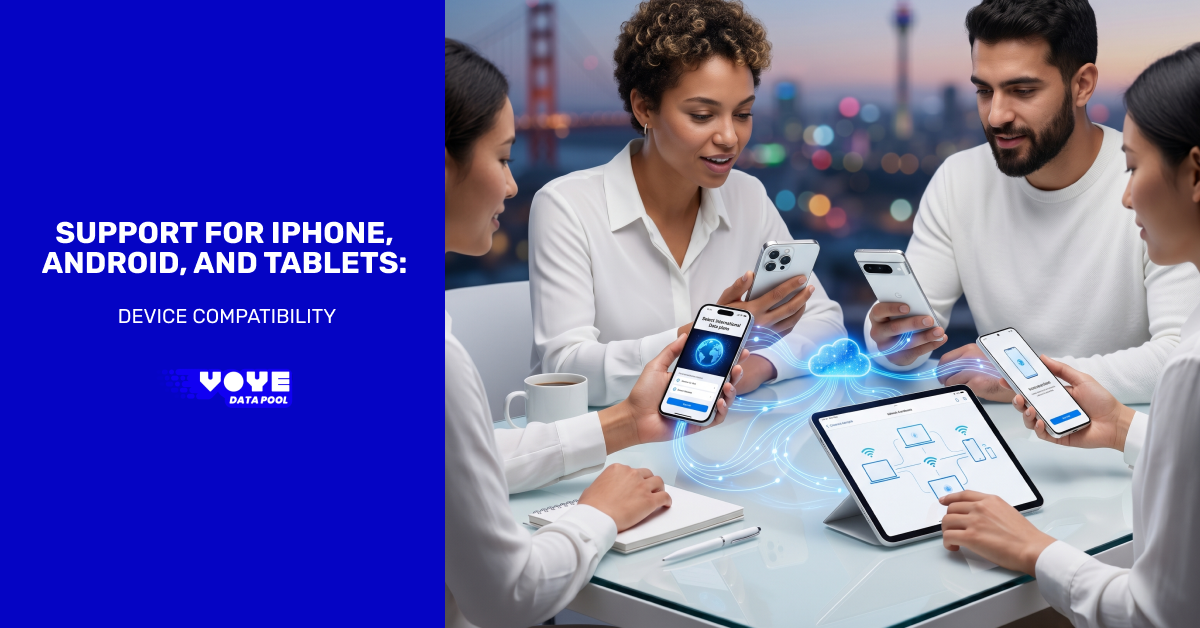
Supporting a modern workforce means dealing with a mix of iPhones, Android devices, and tablets that vary widely in capability, configuration, and user expectations. For IT support teams, the challenge is not just about keeping devices operational. It is about ensuring a consistent, secure, and efficient experience across platforms that were never designed to function identically.
Mobile ecosystems have matured, but they still differ in fundamental ways. Apple maintains tight control over hardware and software, while Android thrives on diversity and flexibility. Tablets sit somewhere in between, often acting as hybrid tools that blur the line between mobile and desktop computing. These differences require a deliberate approach to support that goes beyond reactive troubleshooting.
The Reality of a Multi-Platform Environment
Organizations rarely have the luxury of standardizing on a single device type. Employees choose devices based on personal preference, job requirements, or regional availability. As a result, IT support teams must operate in an environment where uniformity is not guaranteed.
iPhones offer a high degree of predictability due to unified OS updates and a controlled hardware cycle. However, IT teams must still manage a growing list of hardware variations, such as different port standards (Lightning vs. USB-C) and varying biometric authentication methods. This consistency simplifies baseline support but requires strict adherence to Apple’s managed ecosystem.

Reliable Data On The Go
Access fast, secure data for iPhone, Android, and tablet users.
Android devices present the opposite scenario. Multiple manufacturers, custom interfaces, and varying update cycles create a fragmented landscape that demands more flexible support strategies.
Tablets introduce another layer of complexity. Their larger screens and diverse use cases, from field operations to executive dashboards, require applications and workflows that adapt dynamically.
Supporting tablets is not just an extension of smartphone support; it involves managing a hybrid device that often utilizes external peripherals like keyboards and styluses. IT teams must ensure that enterprise applications transition seamlessly from touch-based inputs to cursor-based precision without losing functionality.
Why Consistency Matters More Than Uniformity?
A common misconception in IT support is that consistency can only be achieved through standardization. In reality, consistency is about delivering a predictable user experience, regardless of the device being used.
Users expect applications to behave similarly whether they are on an iPhone, an Android device, or a tablet. When workflows break due to platform differences, productivity suffers. IT teams must bridge these gaps by focusing on compatibility at the application and data levels rather than forcing hardware uniformity.
This is where the concept of device compatibility becomes relevant. It is not just about whether an app runs on a device. It is about how well it performs, how reliably it synchronizes data, and how seamlessly it integrates into the broader IT ecosystem.
Application Behavior Across Platforms
Applications are at the center of the user experience, and their behavior often highlights the differences between platforms. Even when the same application is available on iOS and Android, the underlying architecture may differ.
For example, iOS applications are typically optimized for a limited set of devices, which allows for smoother performance. Android applications must account for a wide range of screen sizes, hardware capabilities, and OS versions. This often leads to inconsistencies in performance and user interface behavior.
Tablets further complicate this landscape. Applications that work well on smartphones may not scale effectively to larger screens. Poorly optimized layouts, inefficient resource usage, and a lack of multitasking support can degrade the experience.
IT support teams must work closely with development and QA teams to ensure that applications are tested across all relevant devices. This includes validating performance, usability, and stability under real-world conditions.
Data as the Foundation of Cross-Device Support
While applications define the interface, data defines the experience. Users expect their information to be accessible, accurate, and up to date, regardless of the device they are using. Any inconsistency in data synchronization can quickly lead to frustration and support requests.
A structured approach to data management is essential. This is where a custom data pool becomes valuable. By centralizing data and ensuring consistent access across platforms, organizations can eliminate many of the issues that arise from fragmented data sources.
A well-designed data pool ensures that:
- Updates made on one device are reflected across all others
- Data integrity is maintained regardless of the platform
- Performance remains consistent even as the number of devices grows
For IT support teams, this reduces the complexity of troubleshooting. Instead of diagnosing device-specific issues, they can focus on a unified data layer that behaves predictably across environments.
Strengthening Infrastructure with Voye Data Pool
Managing a mobile workforce requires a data architecture that is platform-agnostic. Voye Data Pool acts as a centralized management system, bridging the gap between fragmented mobile operating systems and enterprise backend systems. By providing a unified framework for cross-platform data management, it ensures that device-specific limitations don’t dictate the quality of the user’s information.
With Voye Data Pool, organizations can create a unified data environment that supports iPhone, Android, and tablet users without introducing unnecessary complexity. The platform enables real-time synchronization, ensuring that users always have access to the latest information.
For IT support teams, this translates into fewer inconsistencies and faster issue resolution. When data behaves consistently, many common support challenges, such as sync failures and data mismatches, are significantly reduced.
Another advantage of Voye Data Pool is its ability to scale alongside the organization. As the number of devices increases, the system continues to deliver reliable performance without requiring major architectural changes. This makes it a practical choice for organizations that anticipate growth or operate in dynamic environments.
Security is also a critical consideration. Voye Data Pool integrates with enterprise security protocols, ensuring that data remains protected while being accessible across devices. This balance between accessibility and security is essential in modern IT environments.
Seamless Mobile Connectivity
Stay connected across devices with reliable global data access anywhere
Security Considerations Across Devices
Security requirements vary across platforms, but the underlying goal remains the same: protecting data without compromising usability. iOS devices benefit from a tightly controlled ecosystem, which reduces the risk of unauthorized applications. Android devices, while more flexible, require stricter policy enforcement to achieve the same level of security.
IT support teams must implement a unified Mobile Device Management (MDM) strategy that applies consistent security policies across all hardware. This includes enforcing multi-factor authentication (MFA), managing granular app permissions through Mobile Application Management (MAM), and ensuring that corporate data remains encrypted and containerized, regardless of the device’s OS.
Regular updates are another critical factor. Devices that do not receive timely updates become vulnerable to security threats. IT teams must monitor device health and enforce update policies to maintain a secure environment.
Tablets, especially those used in shared or public settings, require additional safeguards. Access controls, session management, and user authentication must be carefully implemented to prevent unauthorized access.
Performance and User Experience
Performance issues are among the most common challenges faced by IT support teams. These issues often stem from differences in hardware capabilities, background processes, and application optimization.
iPhones generally deliver consistent performance due to their standardized hardware. Android devices, on the other hand, can vary significantly in performance depending on the manufacturer and model. Tablets may experience performance issues when running applications that are not optimized for larger screens or multitasking.
To address these challenges, IT teams must adopt a proactive approach. This includes monitoring device performance, identifying bottlenecks, and working with developers to optimize applications.
User experience should remain a central focus. Even minor inconsistencies can lead to frustration and increased support requests. Ensuring that applications are responsive, intuitive, and reliable across all devices is key to maintaining productivity.
Evolving Expectations in Mobile Support
The role of IT support is evolving as mobile devices become more integral to business operations. Users expect seamless transitions between devices, real-time access to data, and minimal disruptions.
This shift requires IT teams to move beyond traditional support models. Instead of reacting to issues, they must anticipate them. Predictive monitoring, automated troubleshooting, and intelligent support systems are becoming essential tools.
Cross-platform frameworks and unified development approaches are also gaining traction. These technologies aim to reduce the differences between platforms, making it easier to deliver consistent experiences.
At the same time, data management systems such as Voye Data Pool are becoming more important. As organizations rely more heavily on data-driven workflows, the ability to manage data effectively across devices becomes a critical success factor.
Conclusion
Supporting iPhone, Android, and tablets in a modern IT environment requires a balance between flexibility and control. Each platform brings its own strengths and challenges, and IT support teams must navigate these differences while maintaining a consistent user experience.
Focusing on application reliability, data consistency, and security provides a strong foundation for cross-device support. Implementing solutions such as a custom data pool and leveraging platforms like Voye Data Pool helps streamline operations and reduce complexity.
As mobile ecosystems evolve toward “laptop-replacement” capabilities, the gap between device types will continue to shrink. The defining capability for future-ready IT teams will be the move away from reactive troubleshooting toward a data-first support model. Organizations that leverage centralized tools like Voye Data Pool will find themselves better positioned to support a diverse, mobile-first workforce without the overhead of platform-specific silos.
Optimize Cross-Device Experience
Ensure smooth performance with flexible plans for every device type.